


Wireless Network Dubai Wi-Fi Design, Access Points & Coverage
Wireless network Dubai offices, warehouses and villas can rely on — site survey, planned access point positions, PoE cabling, secure staff and guest Wi-Fi, testing and handover by Zane Wave, so your devices, cameras, phones and POS stay connected.
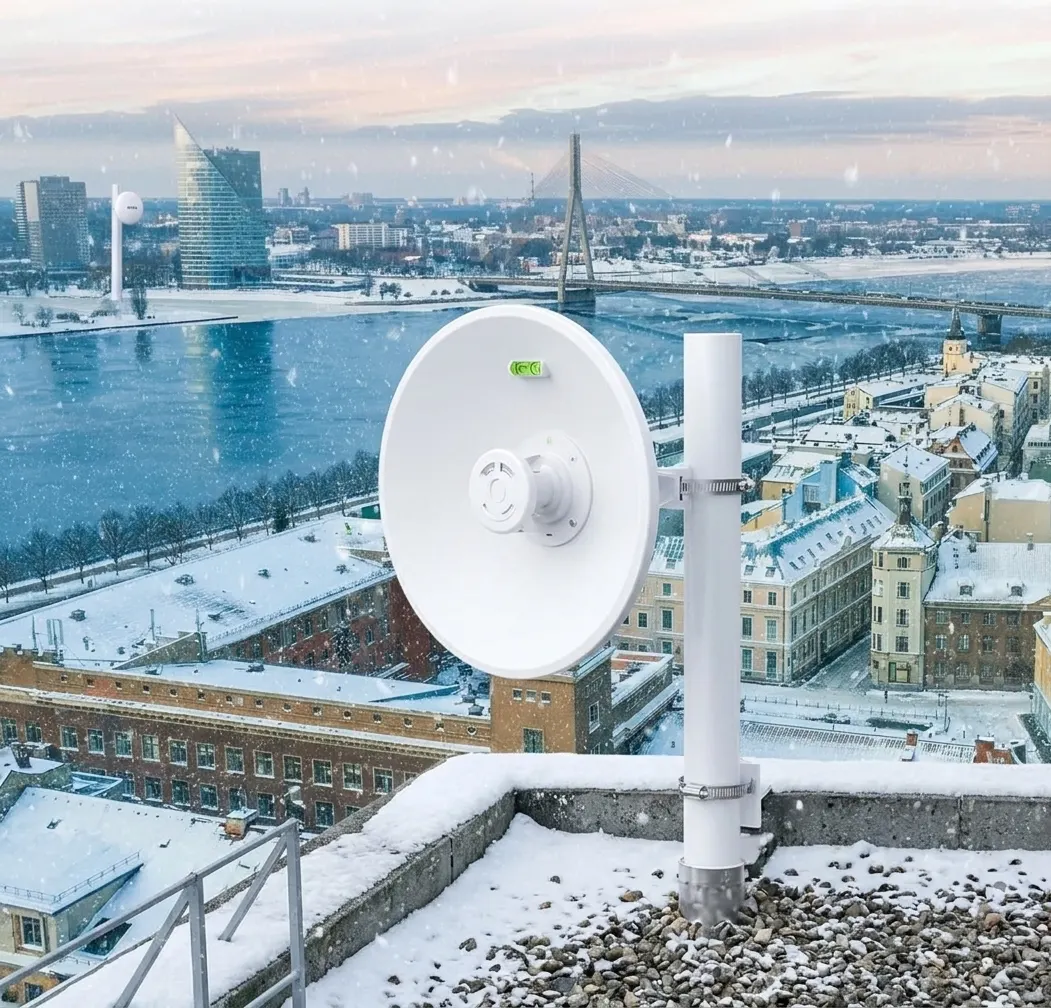
Wireless network Dubai businesses and homeowners need for offices, warehouses, shops and villas
Zane Wave designs and installs the wireless network Dubai properties need, across the UAE — from a single office to a multi-floor building or large villa — including site survey, coverage plan, access points, cabling, secure setup, testing and handover.
What Is a Wireless Network?
A wireless network is a wireless LAN that lets devices connect by Wi-Fi instead of cable. In a business or large home, it is built from several wireless access points wired back to a switch, planned so that coverage and capacity reach every room. Good wireless network Dubai buildings rely on is surveyed, cabled properly, secured and tested before handover.
Coverage Planned, Not Guessed
A wireless network Dubai properties can depend on starts with a survey, so access points go where walls, layout and devices need them.
Staff & Guest Networks
Visitors get their own Wi-Fi, kept away from your internal systems and staff traffic.
Built on Proper Cabling
Each access point connects by network cable, so we plan the wired side together with the wireless side.
What Our Wireless Network Dubai Service Includes
Every wireless network Dubai project is built from the same core parts, sized to your building, users and devices.
Wi-Fi & Access Points
The planning and equipment that create your coverage
Site Survey & Coverage Plan
We check walls, layout and device needs, then plan where access points should go
Indoor Access Points
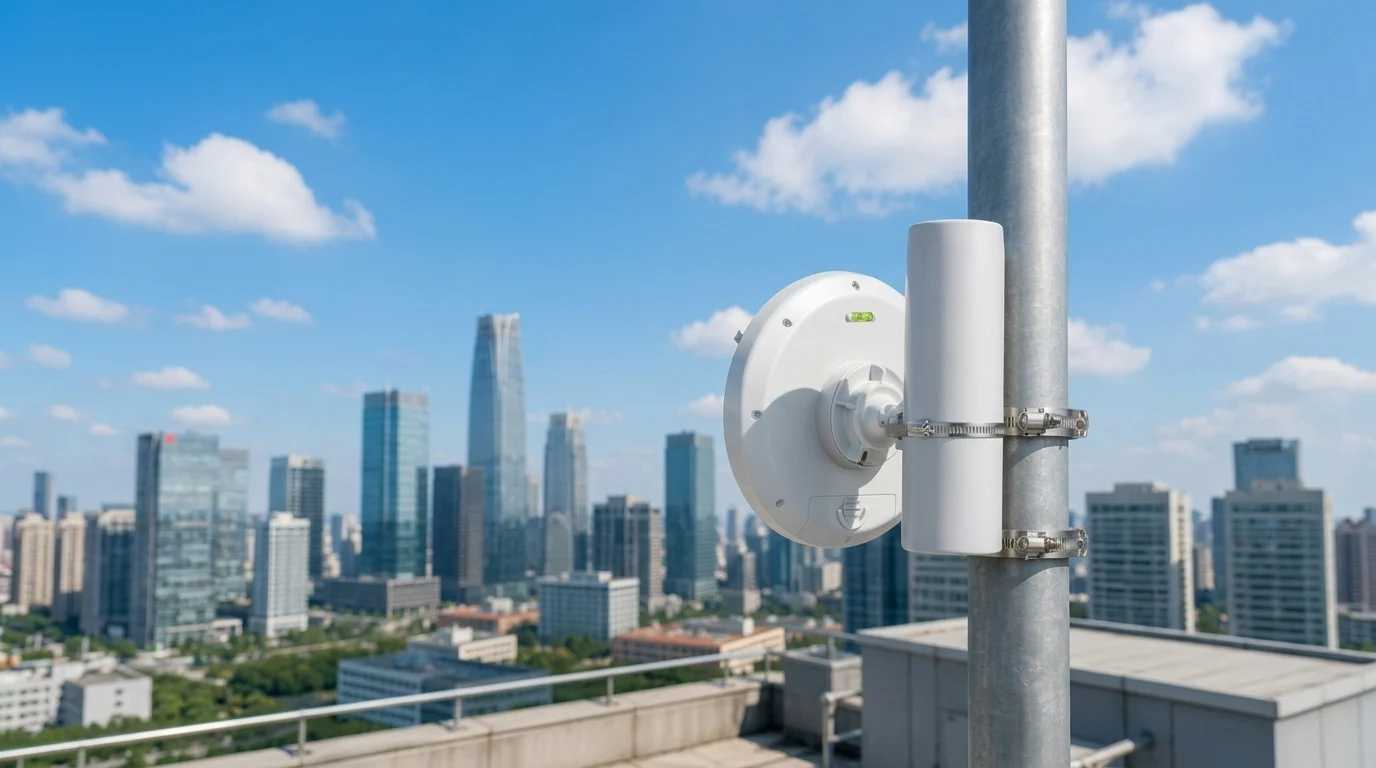
Ceiling or wall access points placed for coverage and capacity inside the building
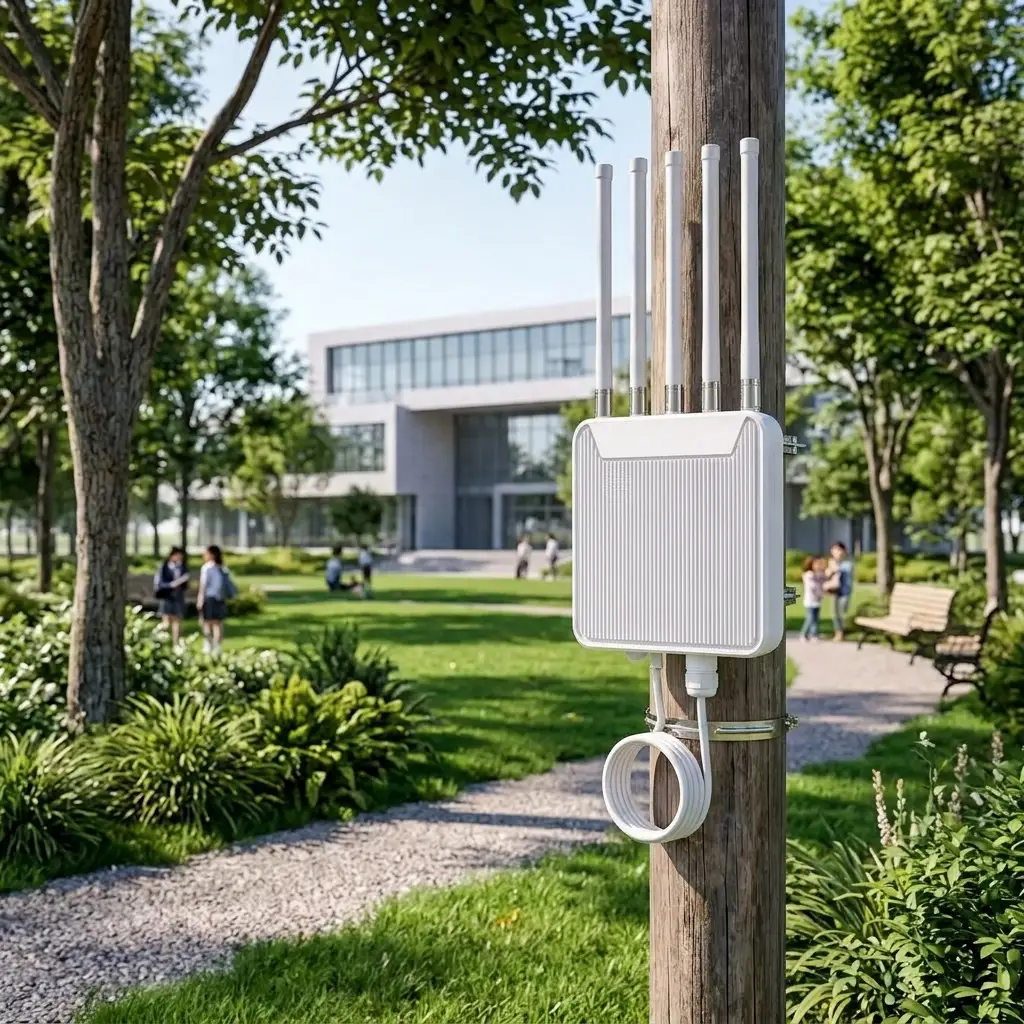
Outdoor Coverage
Weather-suited access points for yards, gardens and open areas, where the site needs them
Staff & Guest Wi-Fi
Separate networks for your team and your visitors
Secure Setup
Strong encryption and password settings for each network
Upgrades & Fixes
Review of existing Wi-Fi, repositioning and added access points where coverage is weak
Cabling, Power & Handover
What connects and proves the work
Network Cabling
Cable runs to every access point. See our structured cabling service
PoE Switches
Switches that send data and power through one cable to each access point
Racks & Patch Panels
Neat rack setup so the network is easy to maintain
Coverage Testing
Walk tests in rooms and corners to confirm signal and connection
Access Point Plan
A simple plan showing where each access point is installed
Network Details
The network names and setup notes for your IT team
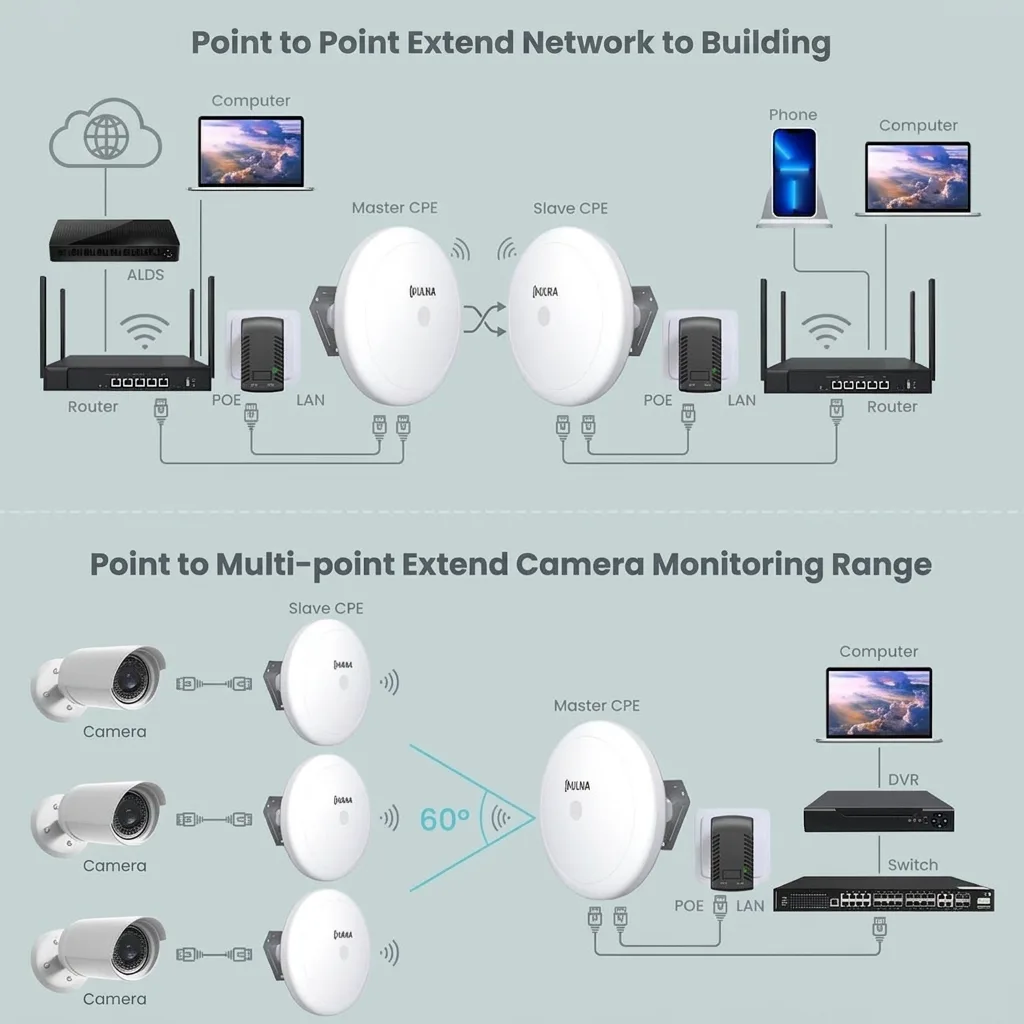
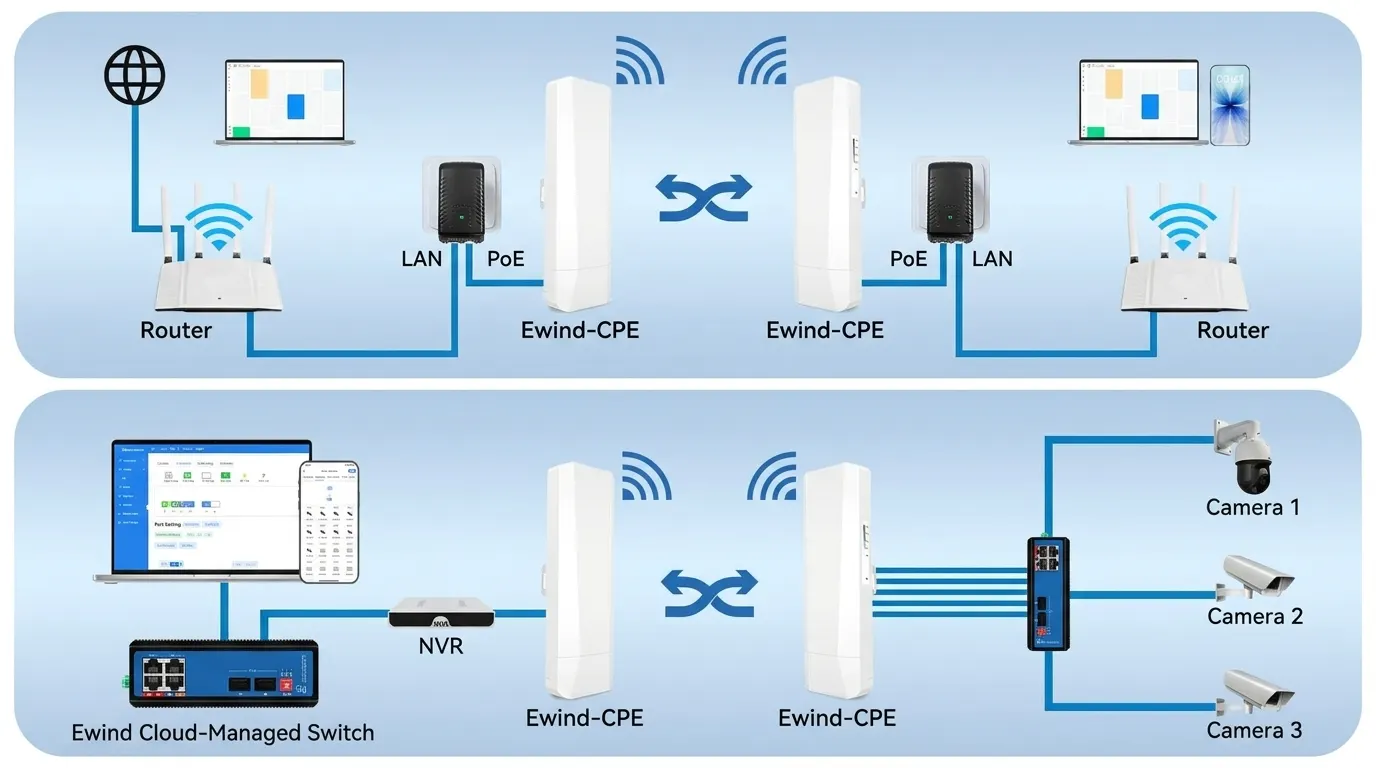
Access Points vs Router vs Mesh for a Wireless Network in Dubai
The right setup for your wireless network Dubai project depends on the size of the property and how many devices connect at once.
| Option | Key facts | Best for |
|---|---|---|
| Router only | One box handles internet and Wi-Fi; limited range | Small apartments with few devices |
| Mesh Wi-Fi | Nodes pass signal between each other; easy to set up | Small and medium homes |
| Wired access points | Each access point connects by cable and is planned and managed together | Offices, warehouses, shops and larger villas |
Why PoE and Wi-Fi 6 matter: Power over Ethernet lets one cable carry data and power to each access point. Wi-Fi 6 is a standard designed for crowded areas, and Wi-Fi 6E adds the 6 GHz band, but your devices must support them to benefit. We advise on the right standard during the site survey.
How a Wireless Network in Dubai Is Planned
A good wireless network Dubai offices depend on comes from planning coverage and capacity together, not from one powerful device.
Coverage
Signal needs to reach every room, corner and work area, which depends on walls, glass, shelving and layout.
Capacity
Each access point serves a limited number of devices. A general guideline is 10 to 25 clients, so busy areas need more access points.
Wired Backbone
Access points connect by cable to a switch, so the quality of cabling affects the quality of Wi-Fi.
Security
Separate staff and guest networks and strong settings keep your systems protected.
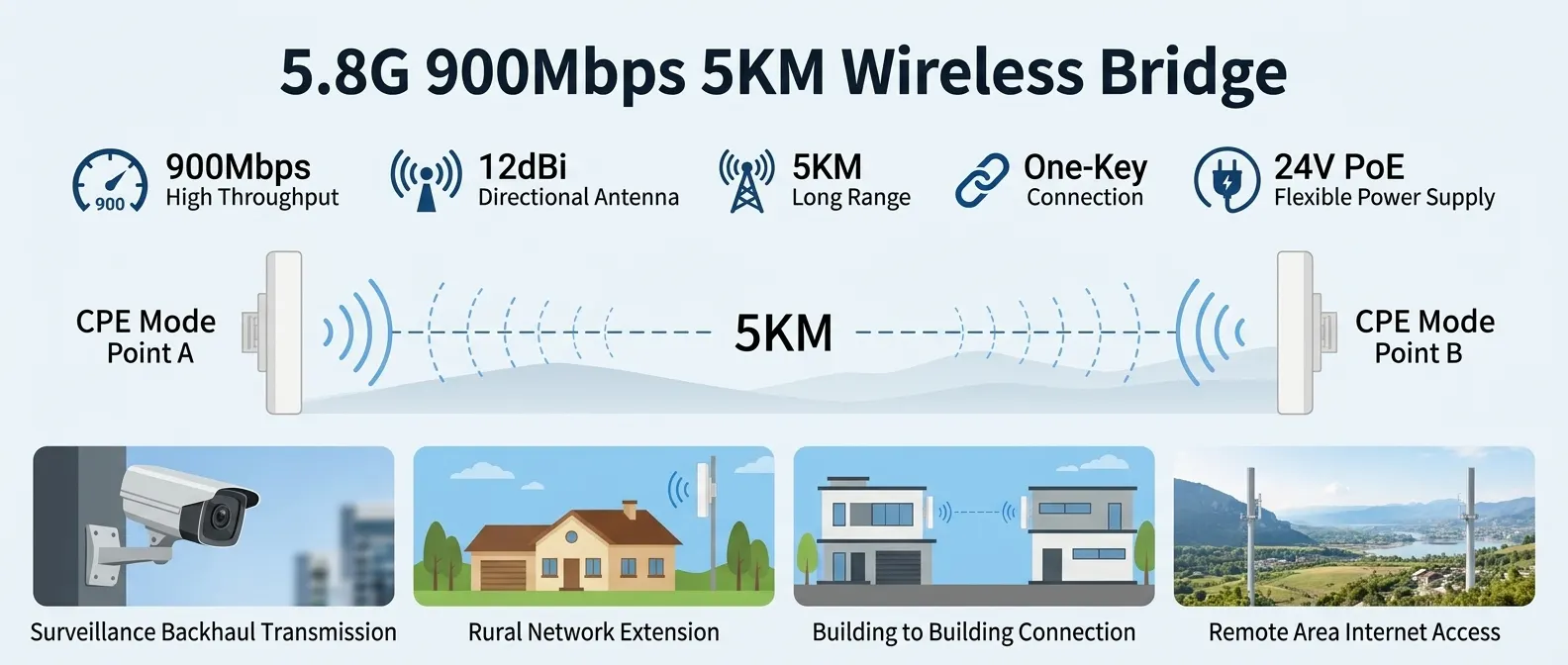
Systems That Run on Your Wireless Network Dubai Setup
The best wireless network Dubai customers install is planned for the devices and systems that will use it.
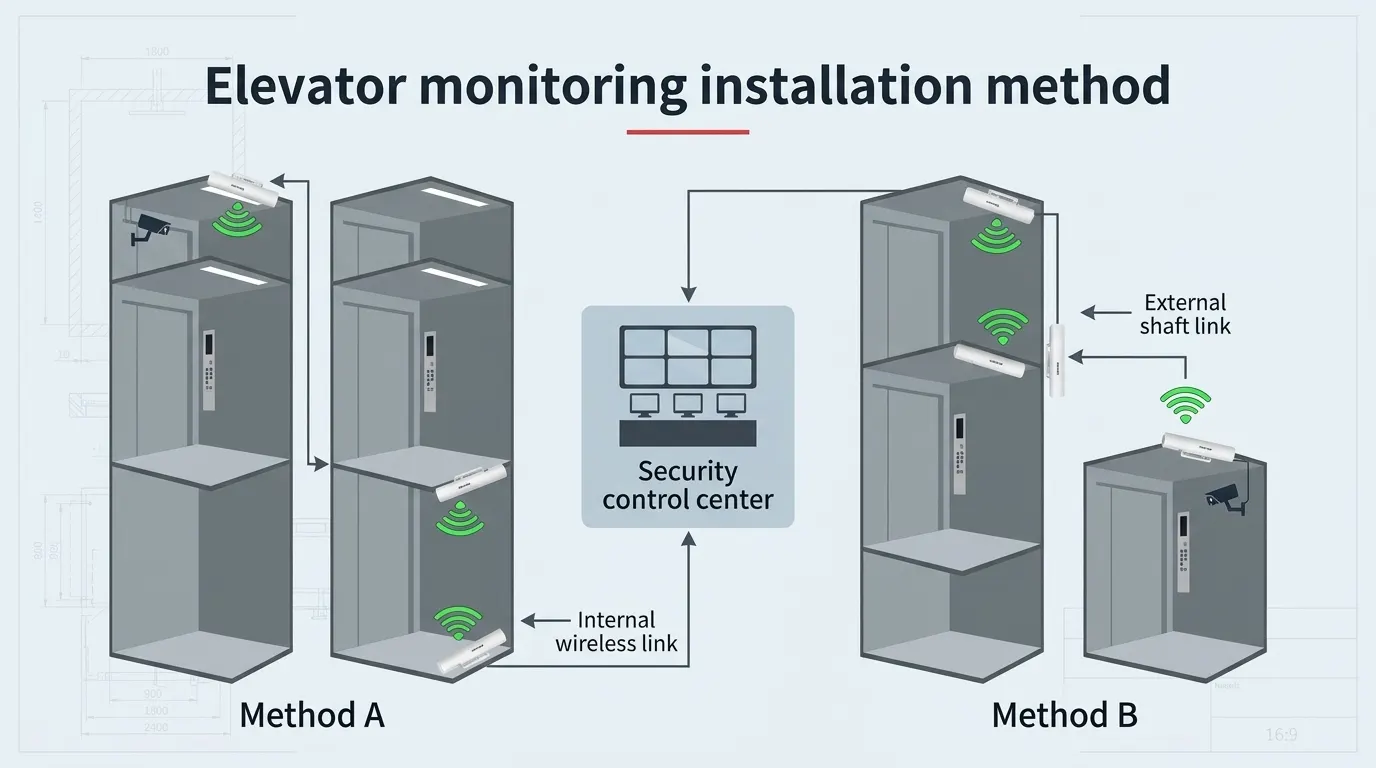
IP Cameras
Cameras and recorders stay connected. See our villa CCTV installation service.
IP Phones
Desk and Wi-Fi phones need steady coverage. See our IP telephone system. IP-based public address system also needs a stable network.
POS Terminals
Tablets and card terminals need a reliable connection. See our POS system installation.
Smart Home
Lights, curtains and sensors rely on a stable network. See our home automation service.
Fiber Backbone
For links between floors or buildings, see our fiber network solutions.
Restaurant Call Buttons
For guest call buttons, see our wireless calling systems.
How We Handle Your Wireless Network Dubai Project
A clear six-step process from site survey to handover.
Site Survey
We visit the property, check walls, layout, ceilings, cable routes and what devices will connect.
Coverage Plan
We plan access point positions, the number of access points and the staff and guest networks.
Cabling & PoE
We run the cables and set up the switch and rack for each access point.
Installation
We mount the access points and connect them to the network.
Secure Setup
We configure the networks, passwords and security settings.
Testing & Handover
We test coverage room by room and hand over the plan and network details.
What You Receive From a Wireless Network Dubai Installation
A wireless network Dubai installation is only finished when you can understand and maintain it.
Access Point Plan
A simple plan showing where each access point is installed.
Network Details
The network names, guest setup and notes for your IT team or next contractor.
Coverage Test Results
Confirmation that coverage was tested in the rooms and areas that matter.
What Affects Wireless Network Cost in Dubai
We do not give a fixed price for a wireless network Dubai project without seeing the property. These are the factors that shape the quote.
Area & Layout
Floor area, number of floors and how open or divided the space is.
Walls & Ceilings
Thick walls, glass and ceiling type change how many access points are needed.
Users & Devices
How many people and devices connect at the same time.
Indoor & Outdoor
Yards, gardens and open areas need outdoor coverage.
Cabling & Switches
Cable routes, PoE switch size and rack needs.
Security Setup
Guest network, staff network and access settings.

Where We Install Wireless Networks in Dubai
From one office to a large warehouse, every wireless network Dubai project is sized to the property.
Why Choose Zane Wave for Your Wireless Network Dubai Project
One UAE team for wireless networks, cabling, CCTV, telephone and POS systems.
Wi-Fi and Cabling Together
The same team plans the access points and the cabling behind them
Right-Sized Plan
Access point count and positions are matched to your building, not a fixed package
Maintenance & Support
Maintenance and support after handover, with terms agreed per project
Frequently Asked Questions
Planning a Wireless Network in Dubai?
Get in touch and we'll review your building, users and devices to recommend the right wireless network Dubai setup. Site survey available.